

Installation
The Part That Actually Matters
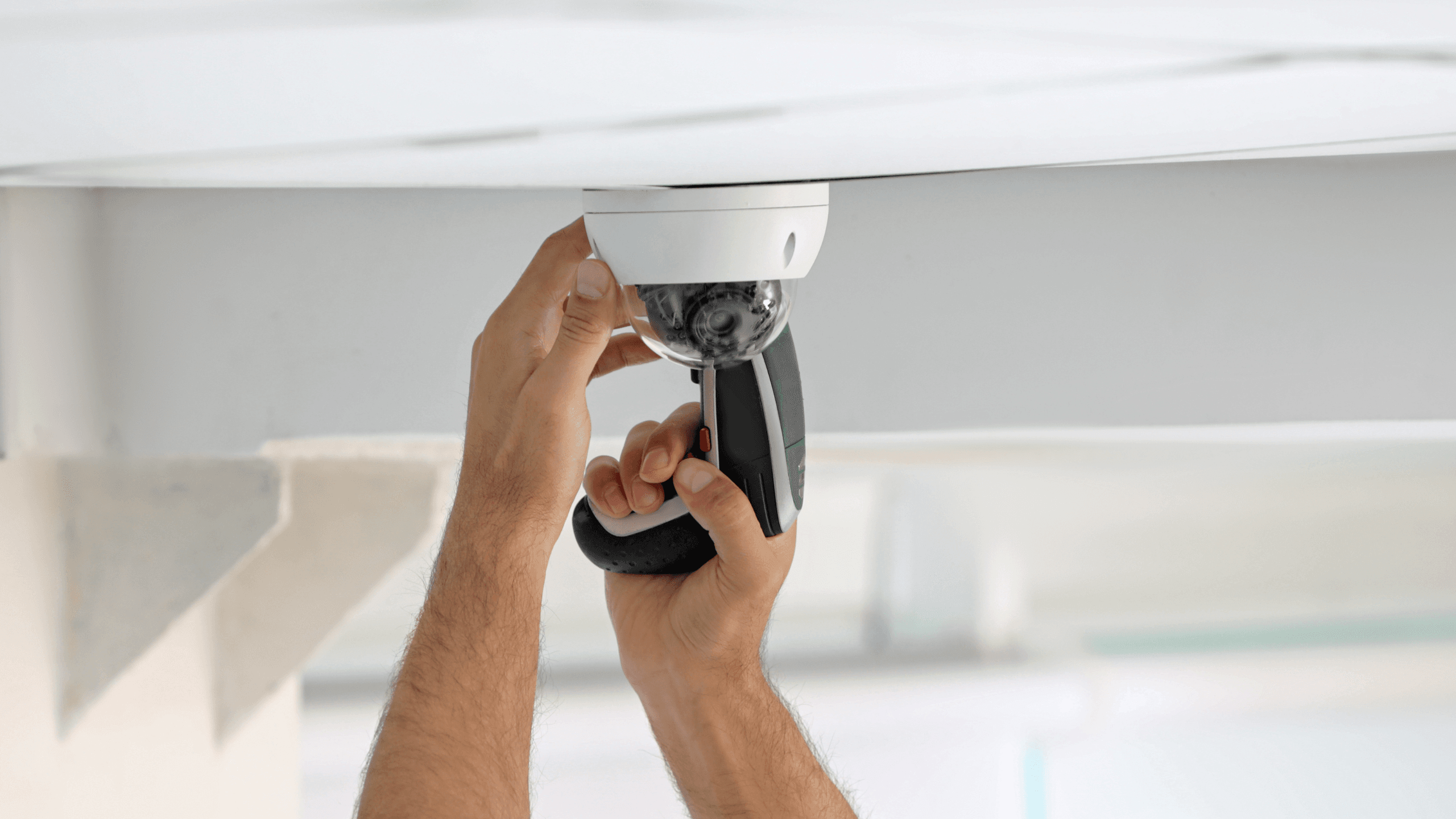
Installation quality determines whether your system works or causes problems. Cables run properly or left messy. Equipment mounted securely or falling off walls six months later. System configured correctly or "we'll fix that next visit." Licensed installers. Work done to Australian Standards. Site cleaned up daily. Not negotiable.
Installation Timeline:
-

Small System (2-6 cameras, simple alarm)
Small systems with 2-6 cameras and simple alarms take one day. Morning focuses on cable runs, afternoon handles equipment mounting, configuration, and testing. System's operational by next day.
-
Medium System (6-15 cameras, access control, alarm)
2-3 days Day 1: Cable infrastructure Day 2: Equipment installation Day 3: Configuration and testing Operational by end of week
-
Large System (15+ cameras, multiple access points)
3-7 days depending on complexity Week 1: Infrastructure and cable runs Week 2: Equipment installation and configuration Operational after thorough testing
-
After-Hours Installation Available
usiness can't close during day? We work nights/weekends. Costs more (overtime rates) but doesn't disrupt operations.
What Professional Installation Actually Means:
-
Site Surveys and Planning
Thorough site surveys assess your premises and inform the installation plan, ensuring optimal placement of equipment and efficient wiring routes.
-
Professional Workmanship
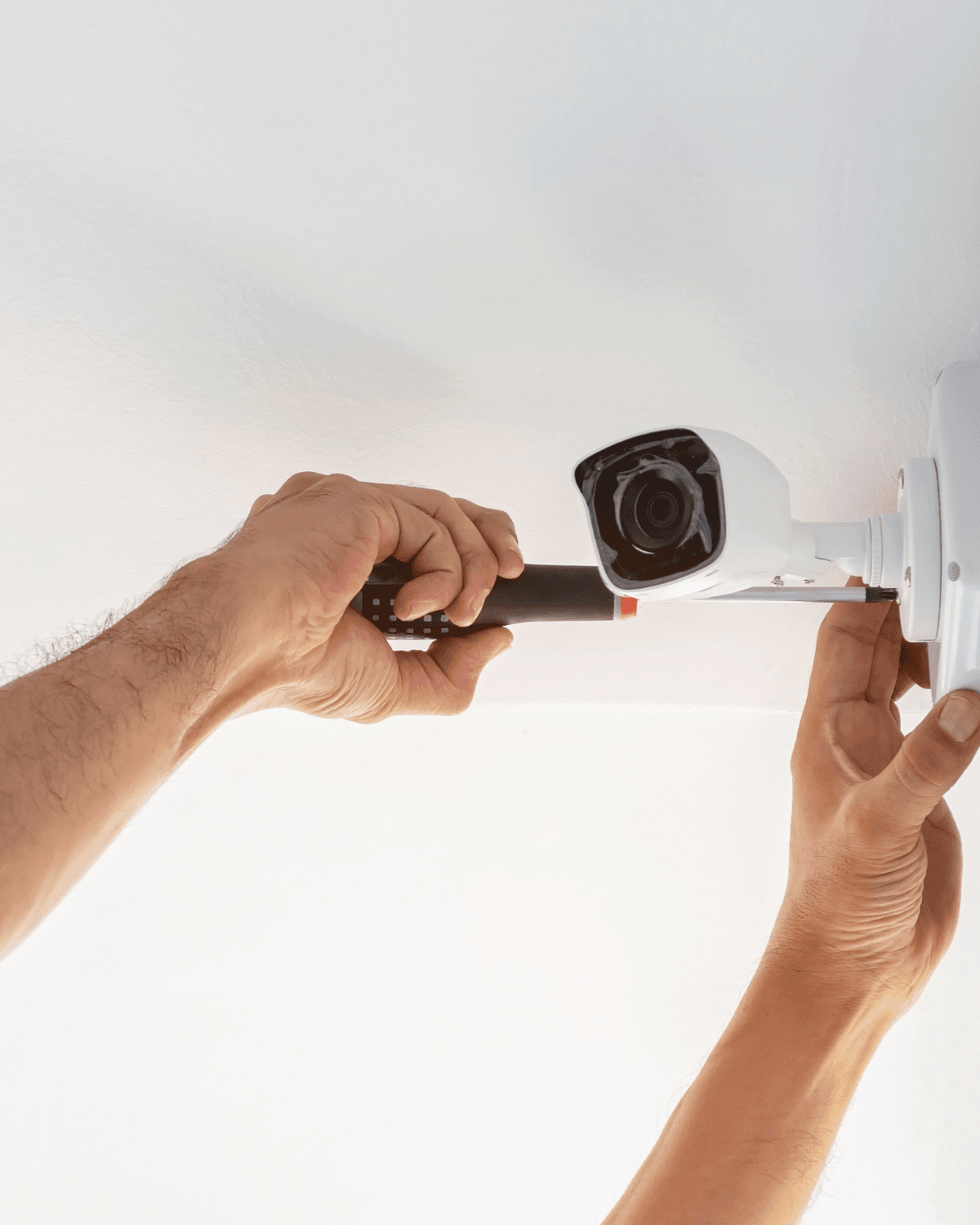
Experienced technicians adhere to industry best practices, ensuring clean and professional installations that minimize disruption to your operations.
-
System Configuration and Testing
Comprehensive system configuration and testing ensure all components are functioning correctly and integrated seamlessly.
-
User Training and Documentation
Professional installers provide user training and comprehensive documentation, empowering you to effectively operate and manage your security system.
-
Ongoing Support and Maintenance
Reputable companies offer ongoing support, maintenance plans, and remote monitoring services to ensure your system remains reliable and up-to-date.

What "Professional Installation" Actually Means:

Cable Runs
Hidden in walls/ceilings where possible - Surface runs in proper conduit (not zip-tied to existing cables) - Labeled at both ends - Tested for continuity before equipment connected - Spare capacity run for future expansion

Equipment Mounting
Anchored to structural elements (not drywall) - Weatherproof outdoor installations - Tamper-resistant where accessible - Mounted level (cameras especially) - Cable strain relief to prevent damage

Network Configuration
IP addresses documented - VLANs configured if needed - QoS settings for camera priority - Port forwarding if remote access needed - Firewall rules documented

Power
Dedicated circuits where required - Proper gauge wire for distance - Surge protection installed - Battery backup configured - UPS capacity calculated correctly
